Start with the essentials and keep a real usable workflow before paying.
- Import and run compatible custom skins
- Browse champions and manage your visible library
- A daily limit of 5 injections, resetting at local midnight
RIFTSKIN
macOS LoL skin manager
Use RIFTSKIN for free, or unlock premium with one 15 EUR per month subscription. Premium stays active while the subscription remains active.
Start with the essentials and keep a real usable workflow before paying.
Best for regular players who import and inject custom skins often and want the full experience without the daily cap.
Le gratuit couvre déjà l'essentiel. Le premium est là pour un usage régulier, sans limite quotidienne.
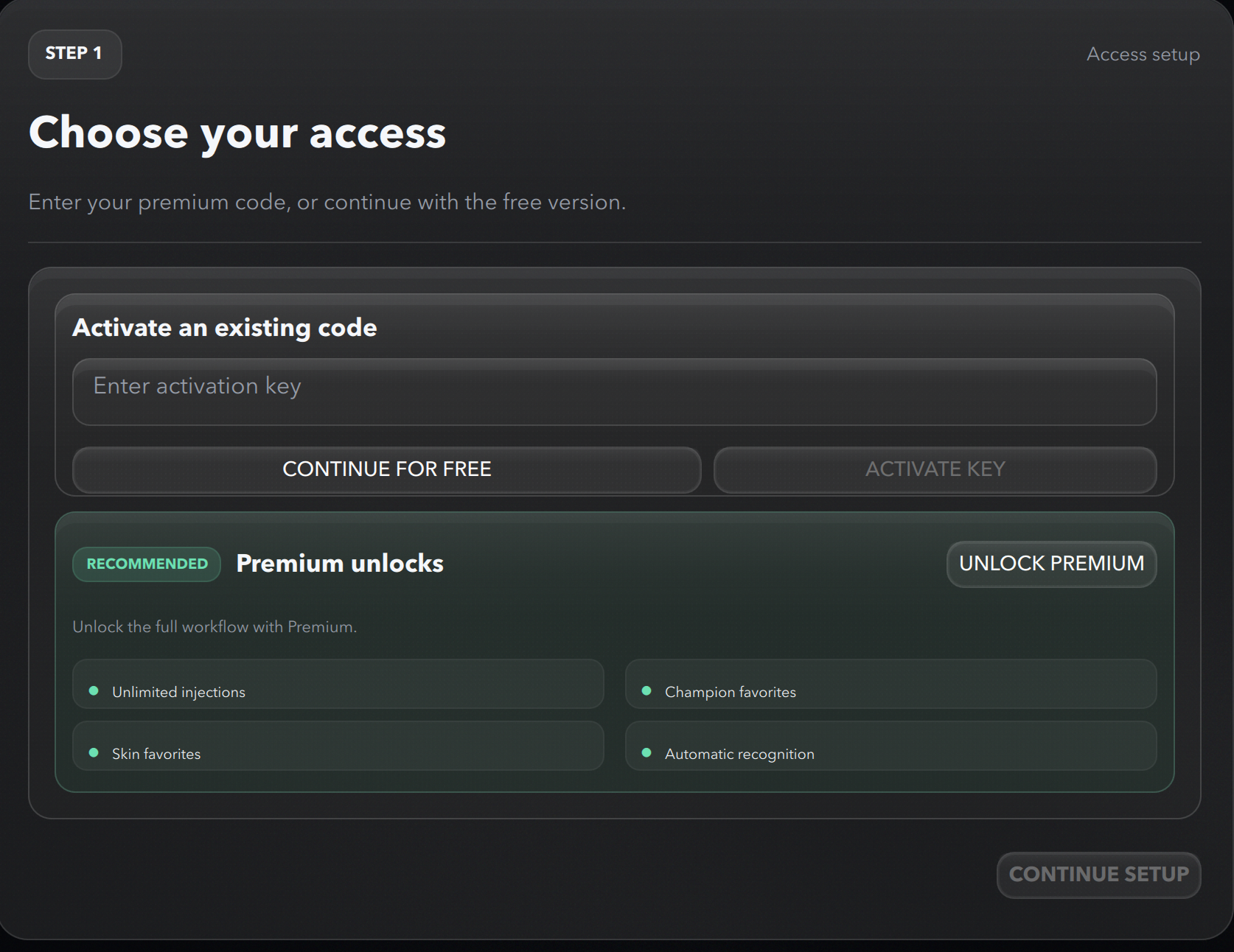
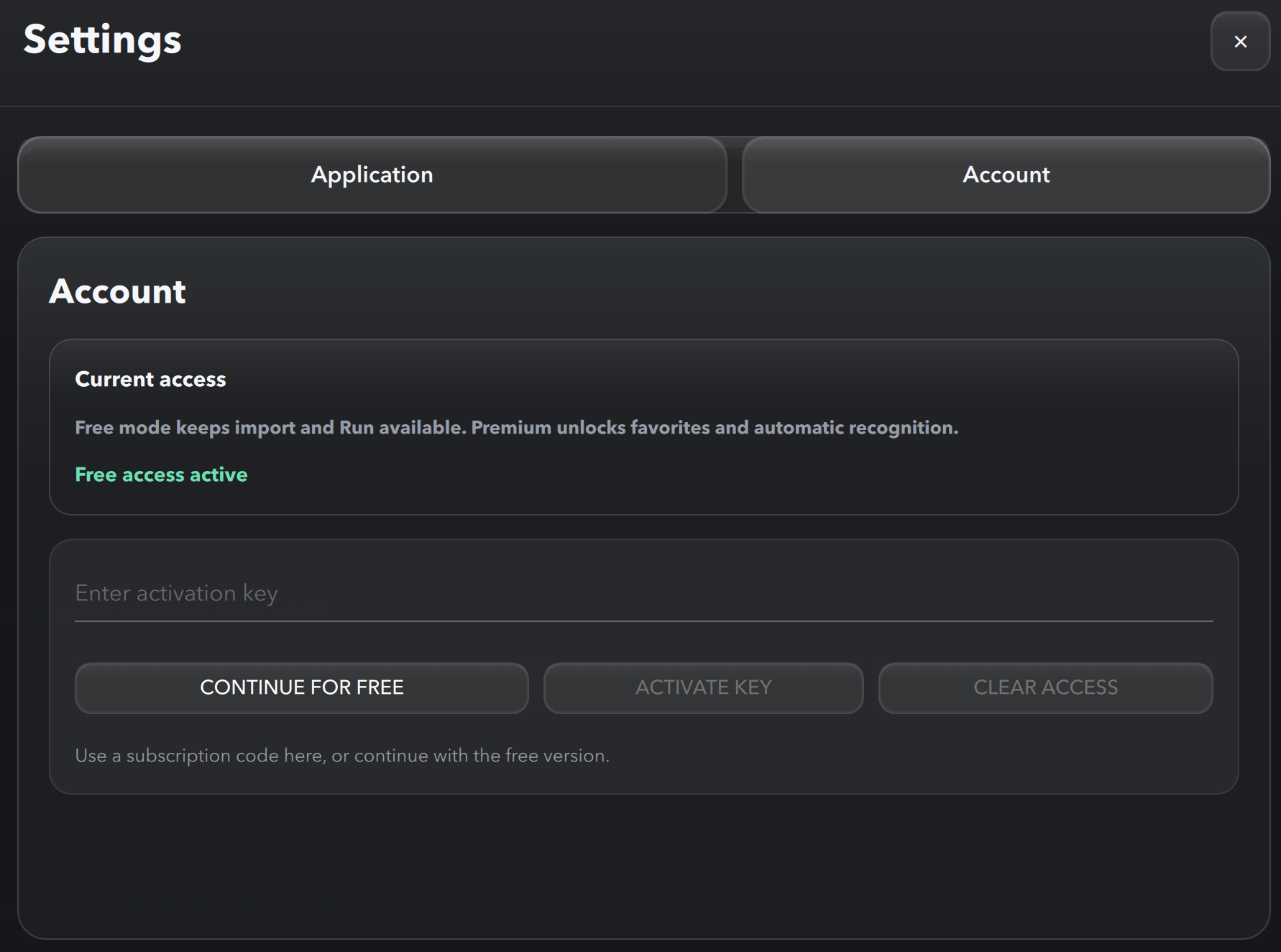
There are two valid ways to activate Premium: during first-launch onboarding, or later from Settings in the app. In both cases, enter the same activation code and confirm premium access.
Use the onboarding access screen on first launch
Use Settings > Account later if you already continued in free mode
On the access setup screen, paste your premium code into the activation field, then click Activate key. You can continue directly with premium access from this first setup flow.
If you already continued in free mode, open Settings, switch to the Account tab, paste the same premium code, then click Activate key. This activates the same premium access afterward.